Robotics hardware
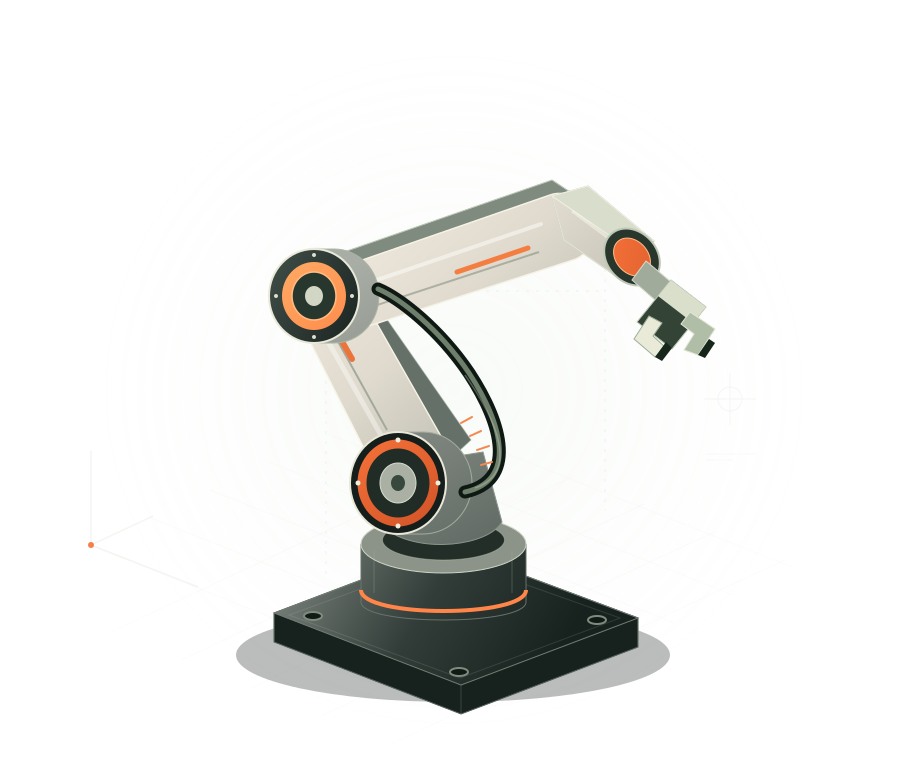
Discuss platforms, manipulators and end-effectors around your payload, workspace and task.
Tell us what you need to build, source or keep running. Explore robotics hardware, components and project support — from selection to deployment and aftercare.
Start with one requirement or an entire project. Scope, compatibility, availability and delivery terms are confirmed together.
Discuss platforms, manipulators and end-effectors around your payload, workspace and task.
Bring your interface and compatibility requirements. Define the right components and integration scope.
Translate a real operating task into system requirements, acceptance criteria and a delivery plan.
Discuss site readiness, installation, commissioning and operator handover before rollout.
Share the equipment model, symptoms and service location so support and repair options can be assessed.
A useful first conversation connects your requirements to a practical next step.
Use case, operating conditions and success criteria.
Equipment, interfaces and a bounded supply or service scope.
Review compatibility, testing and acceptance requirements.
Agree delivery, deployment and support responsibilities.
Explore the dedicated Potentia product window at Synfidia AI.
Share the task, product or operating challenge. We can discuss fit, availability and the right next step.
contact@synfidia.com ↗Equipment availability, compatibility, service regions and delivery terms are confirmed per project.